# DSPMCHINF - Display Machine Info
To generate a license key for your CyberSource Toolkit for i installation, a support representative will need your system information. The easiest and preferred way to get this information is to run the DSPMCHINF command, take a screenshot, and email it to us at isupport@katointegrations.com.
The command does not have any parameters:
`DSPMCHINF`
The command should display a screen similar to the one below. This screen indicates all the information necessary to generate your license key, as well as the current status of any applied license keys.
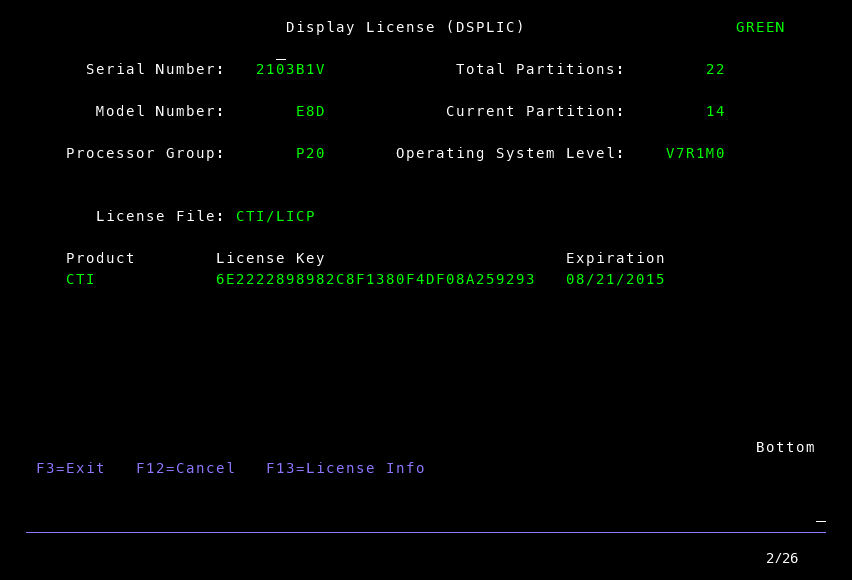
If you don't see this screen or receive an error message, please contact us at isupport@katointegrations.com.